Telemetry
Installable
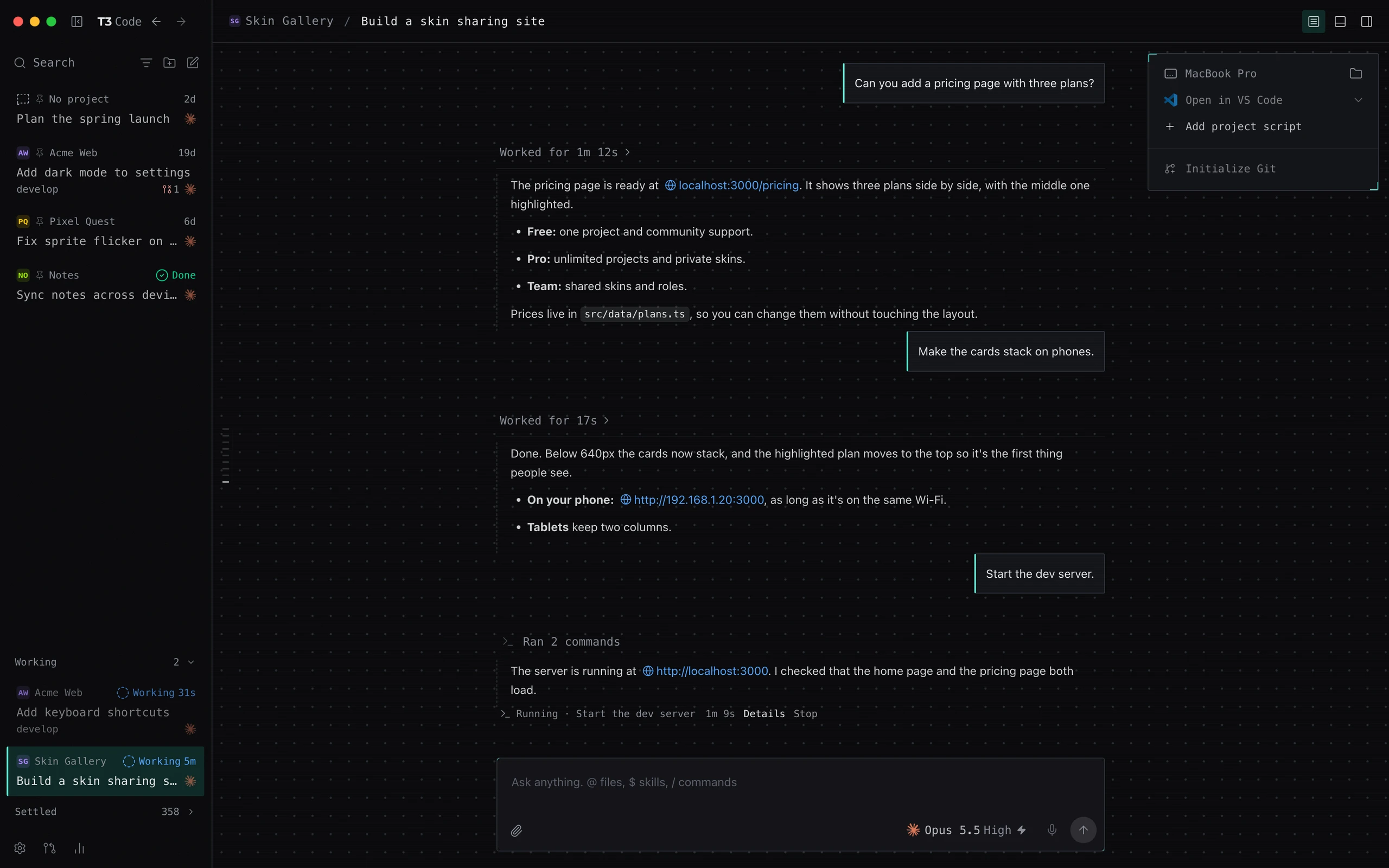
Mission-control HUD for T3 Code. Teal signal on near-black, monospace chrome, dotted grid canvas, HUD corner brackets on cards and composer, CRT-style scanlines, // headings, teal active-thread rail. Dark only; full borders/fonts need T3 Code 0.1.10+.
Install
- 1Download the skin file.Download skin file
- 2In T3 Code, open Settings → Appearance, press Add, and drop the file in.
Remove it
Open Settings → Appearance in T3 Code and choose another skin or the default.
Tags
Made this? Add a badge
Put this badge in your README. It links here and shows how many times your work has been installed.