Mossrock
Installable
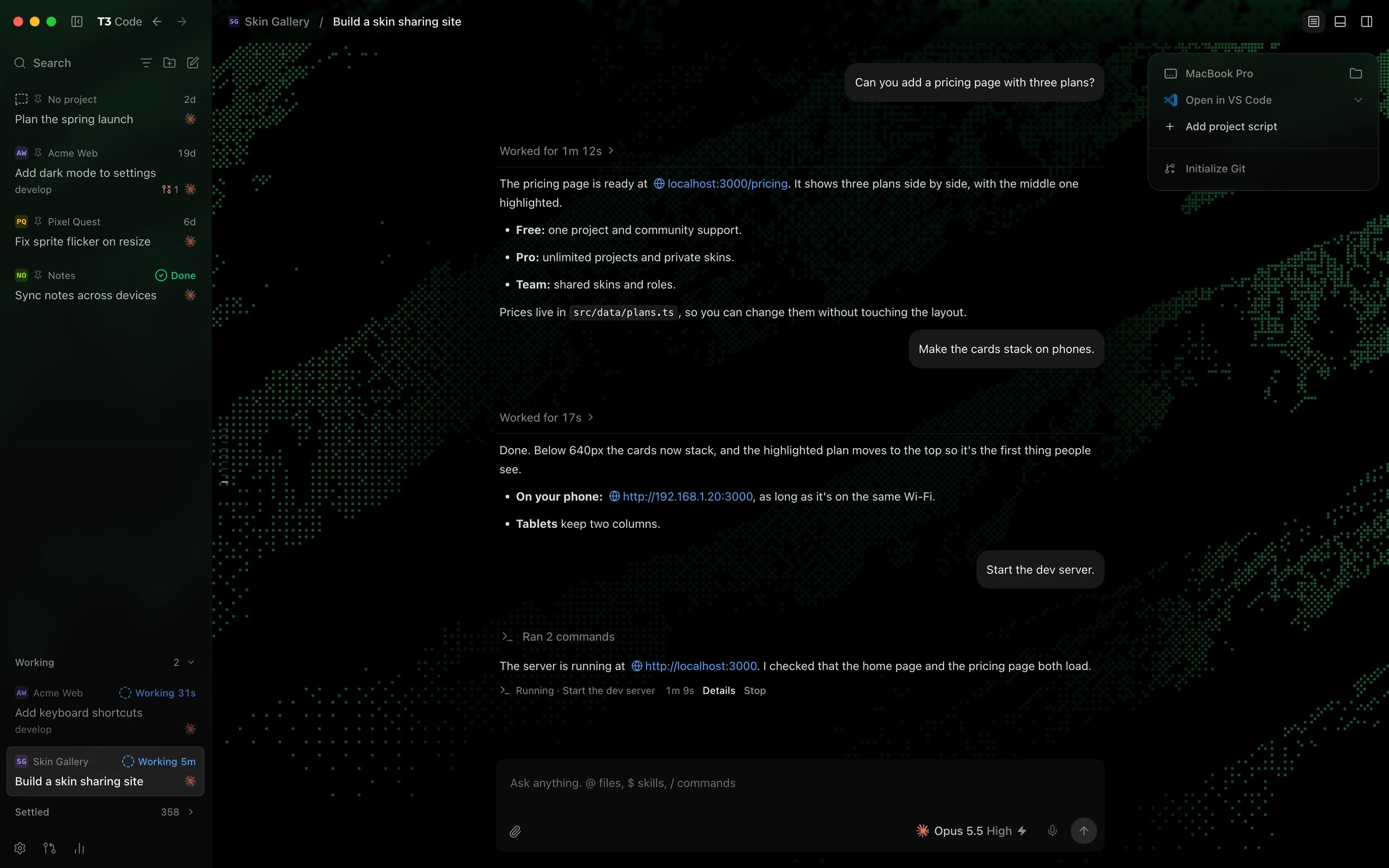
Black and moss green, with pixel rock art behind the chat.
Install
- 1Download the skin file.Download skin file
- 2In T3 Code, open Settings → Appearance, press Add, and drop the file in.
Remove it
Open Settings → Appearance in T3 Code and choose another skin or the default.
Tags
Made this? Add a badge
Put this badge in your README. It links here and shows how many times your work has been installed.