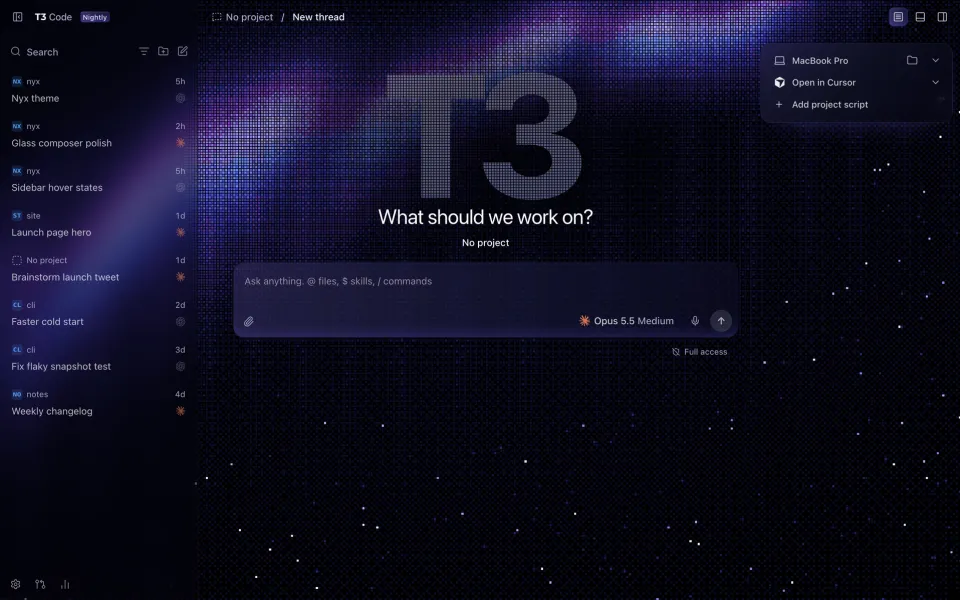
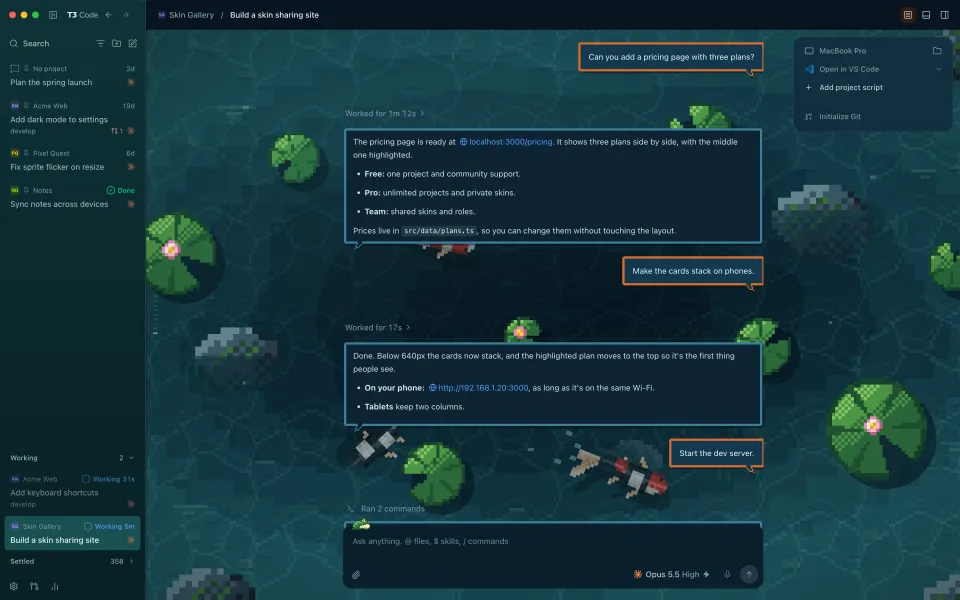
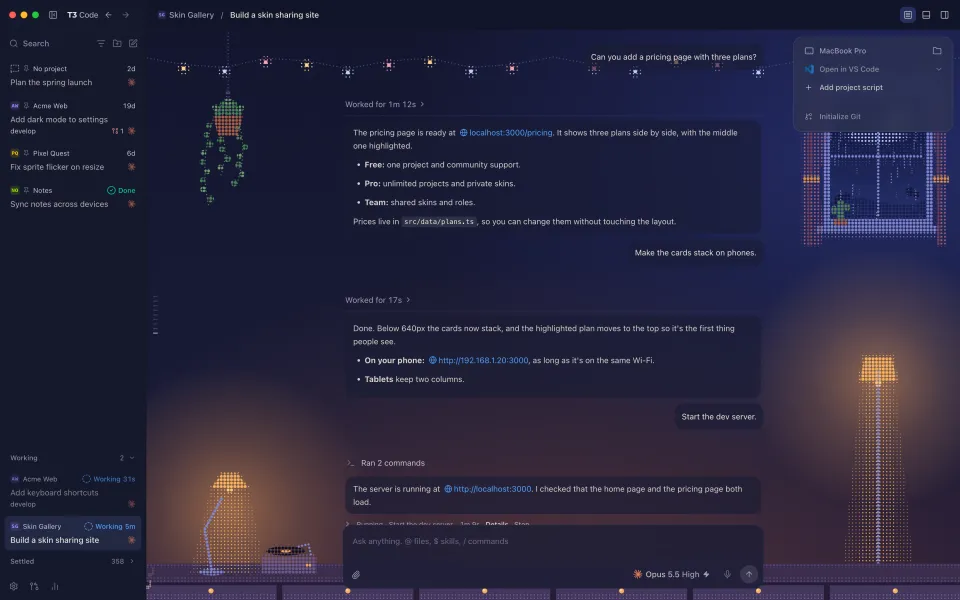
Minimalist color edges
Installable
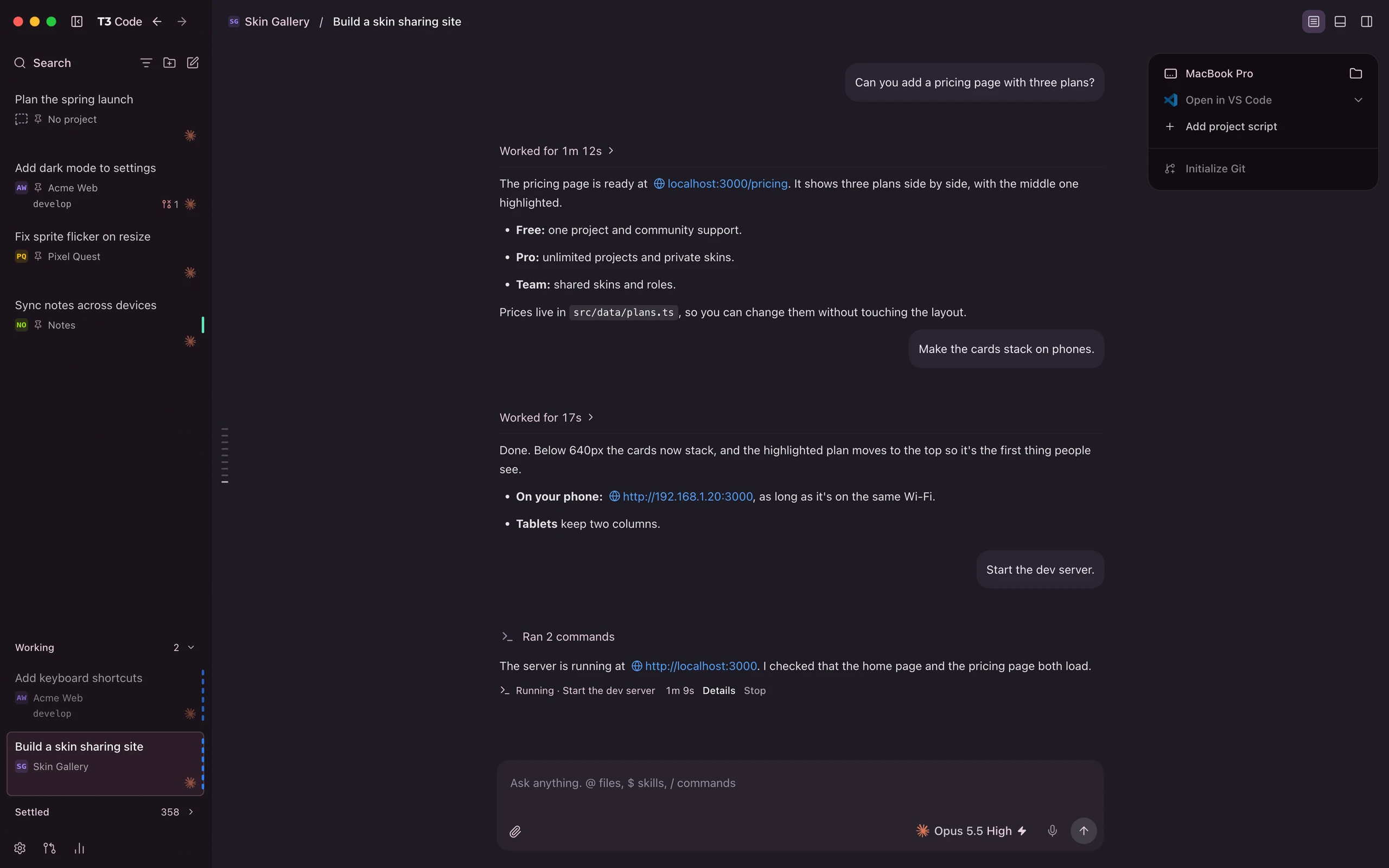
The sidebar does not need to be a hard-to-read mess. Status icons and labels are removed to leave a single bar on the row's edge. Its shape says what the thread needs: full height waits on you, short has a result to read, dashed is running or held. Hover brings the label back.
Install
- 1Download the skin file.Download skin file
- 2In T3 Code, open Settings → Appearance, press Add, and drop the file in.
Remove it
Open Settings → Appearance in T3 Code and choose another skin or the default.
Tags
Made this? Add a badge
Put this badge in your README. It links here and shows how many times your work has been installed.