Blue Halftone
Installable · 1 view
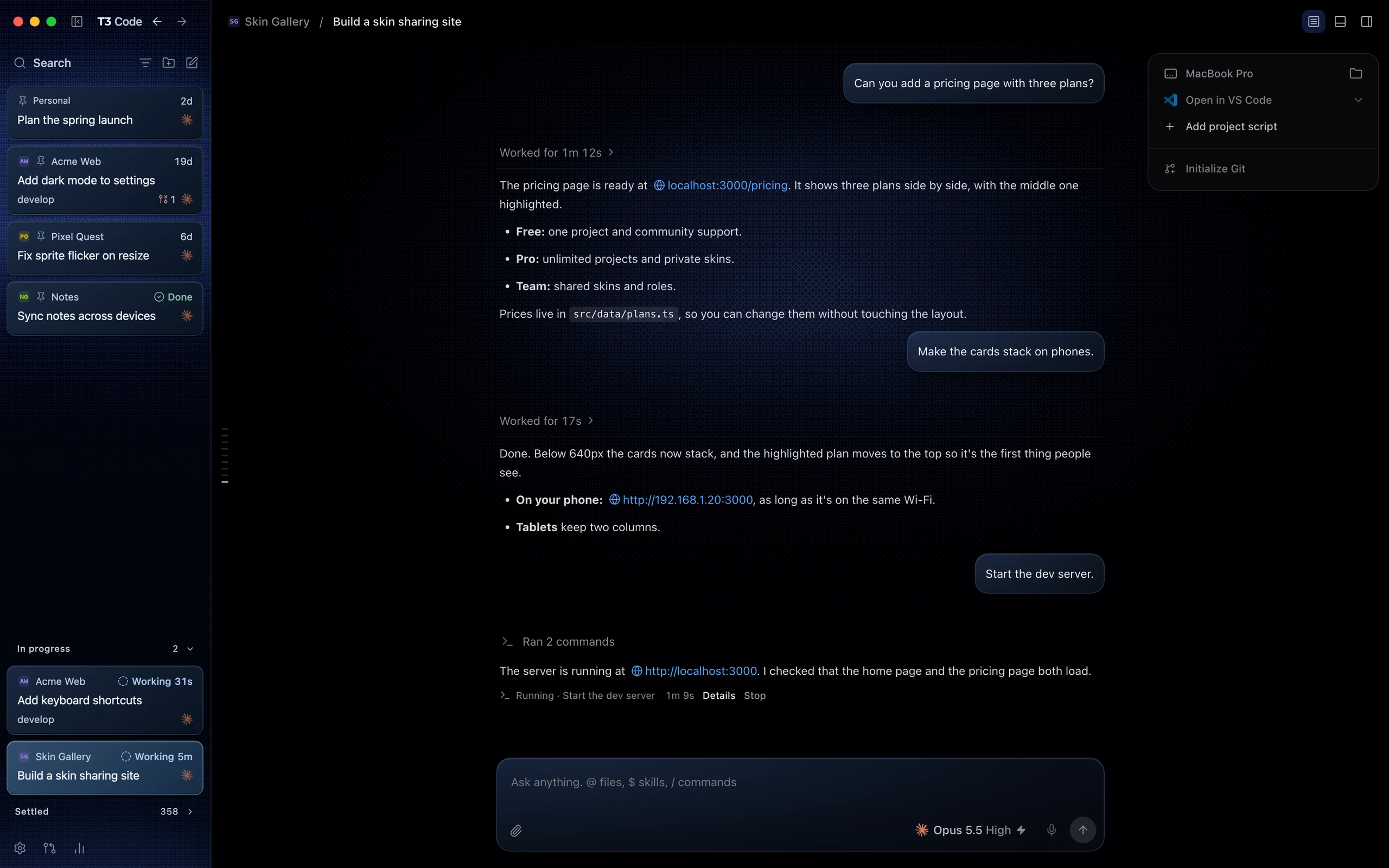
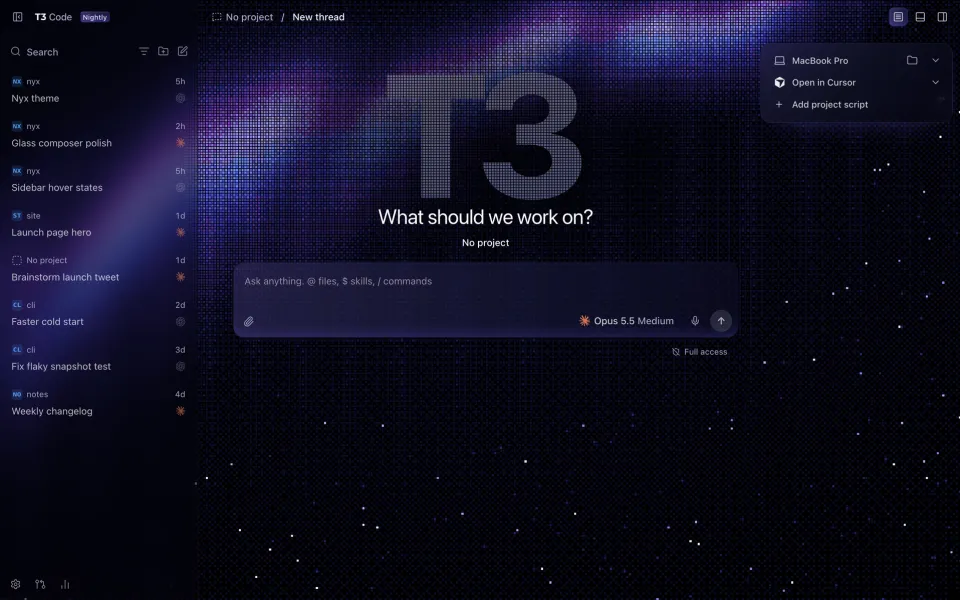
Dark skin for the home screen and the chat. A black field with a blue halftone sits behind the new-thread page and the conversation. The sidebar and composer are glass, and the home headline sets the project name in a large serif.
Install
- 1Download the skin file.Download skin file
- 2In T3 Code, open Settings → Appearance, press Add, and drop the file in.
Remove it
Open Settings → Appearance in T3 Code and choose another skin or the default.
Tags
Made this? Add a badge
Put this badge in your README. It links here and shows how many times your work has been installed.