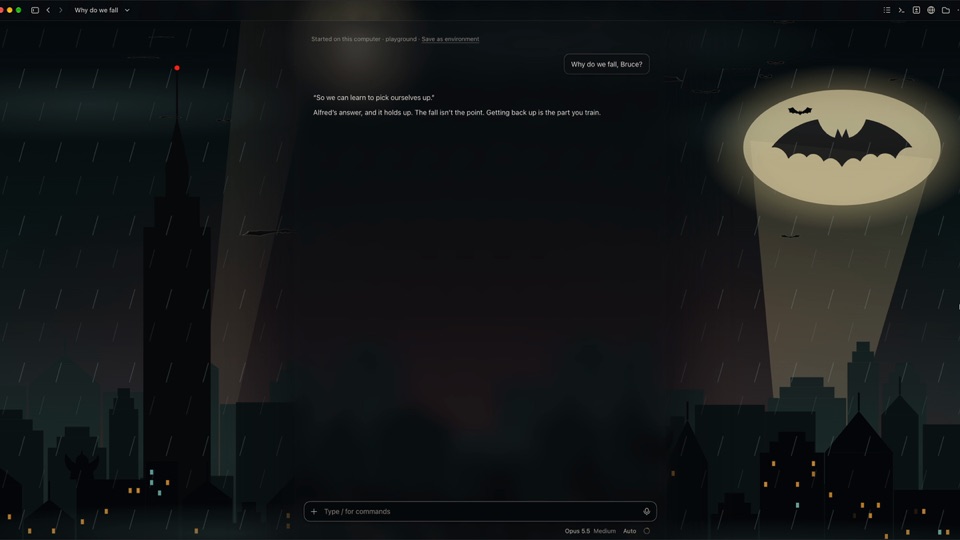
Pixel Office
Installable · Animated
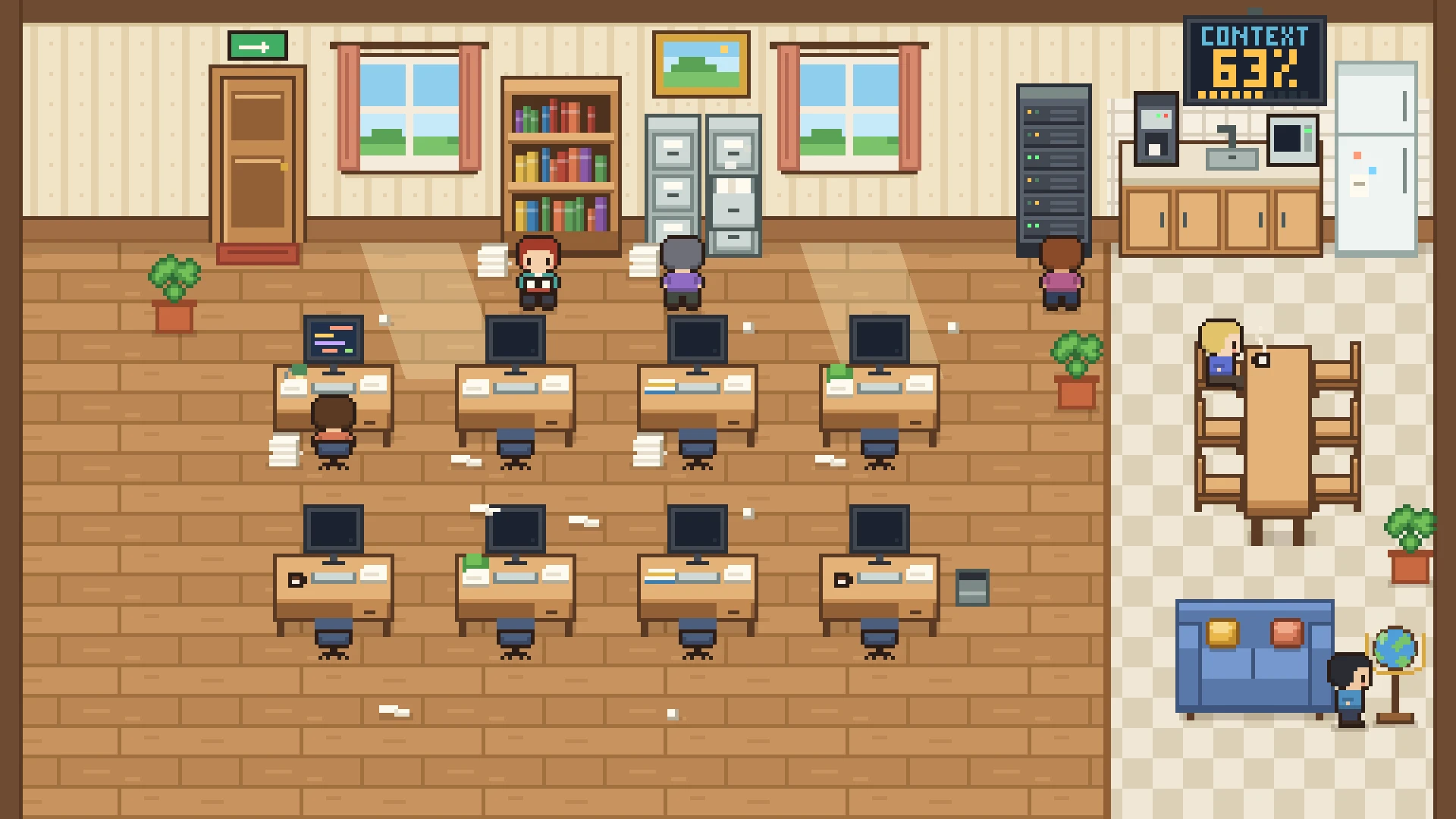
A pixel-art office behind the chat: Claude and its subagents walk to the files, the bookcase or the server rack as their tools run.
Install
- 1Update the Claude desktop app and open a local session in the Code tab.
- 2Add the creator’s marketplace and install the plugin from it.claude plugin marketplace add spaut33/claude-pixel-officeclaude plugin install pixel-office@claude-pixel-office
- 3Start a new session. The skin applies when the session starts.
Or ask Claude
A theme is a mod: code that runs in Claude Code. This one is published by Roman Petrakov, not by Anthropic. Read the source before you install it.
Remove it
Run /wallpaper off in the session to clear it, or turn it off in Manage plugins. To remove the plugin as well, uninstall it there and start a new session.
Tags
Made this? Add a badge
Put this badge in your README. It links here and shows how many times your work has been installed.