Low Orbit
Installable · Animated · 2 views · 1 install

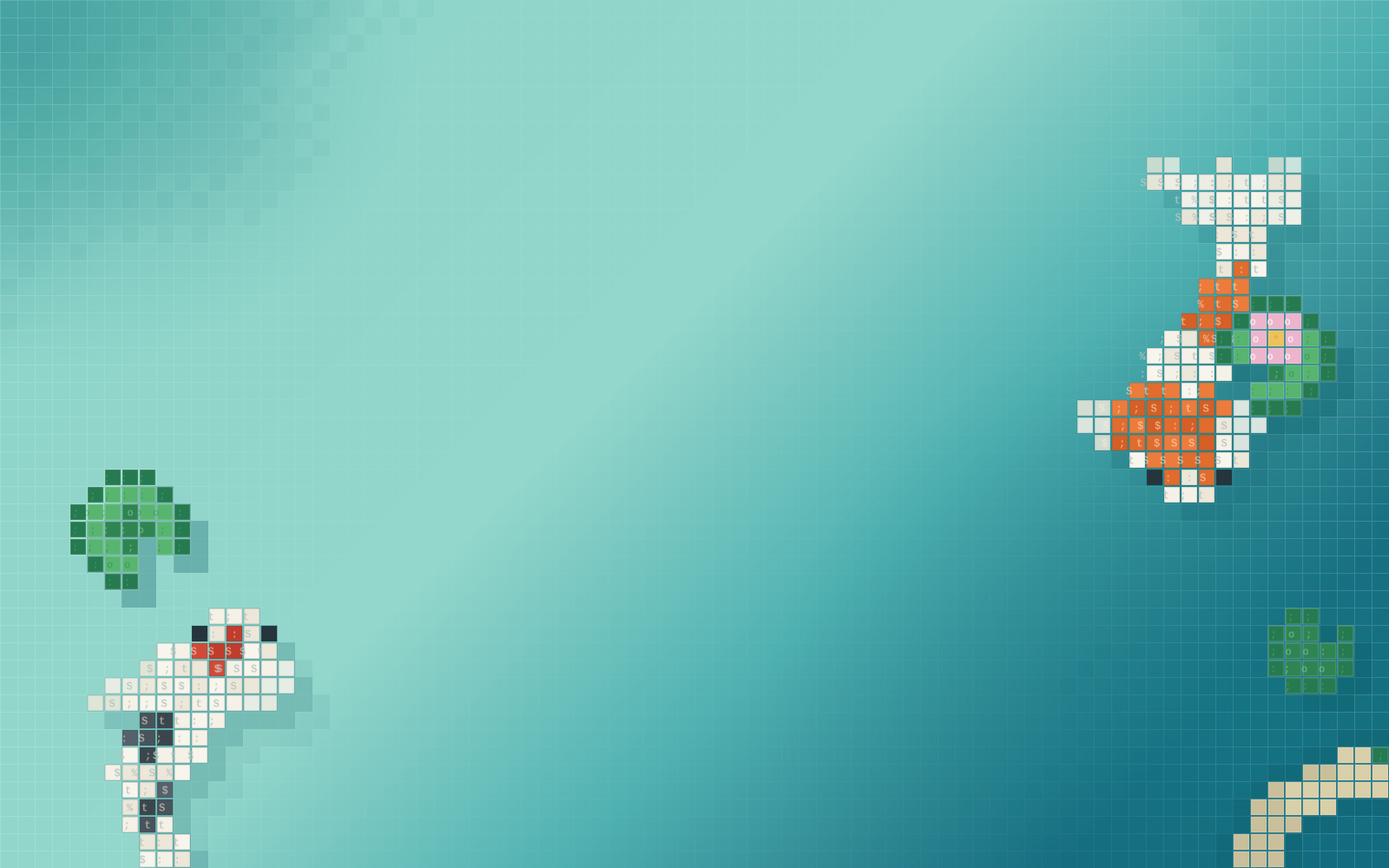
The edge of the Earth, seen from orbit. Follows your clock: before dawn, morning.
Install
- 1Update the Claude desktop app and open a local session in the Code tab.
- 2Download the theme archive from the creator’s site. It lands in your Downloads folder.Download archive
- 3Paste this prompt into Claude Code in the desktop app. It checks the archive before it installs anything, and tells you when to reload.Install the BackdropKit theme "Low Orbit" for the Claude desktop app.1. Find low-orbit.zip (I just downloaded it, most likely into my Downloads folder).2. Before installing, list what is inside. It should hold only: .claude-plugin/marketplace.json,mod/.claude-plugin/plugin.json, mod/hooks/ (the files listed in README.md), project.json, preview.png,README.md. If there is anything else, stop and tell me.3. Read mod/hooks/register.tsx and tell me in two lines what it does.4. Unpack it into ~/.claude/backdropkit/low-orbit, replacing an older copy if there is one.Keep this folder: the theme is read from it.5. Run: claude plugin marketplace add "<that folder>"then: claude plugin install low-orbit@backdropkit-low-orbit --scope user6. If another theme plugin is enabled, ask me before turning it off.7. Tell me to run /reload-plugins or start a new session to see the theme.
A theme is a mod: code that runs in Claude Code. This one is published by winch, not by Anthropic. Read the source before you install it.
Remove it
Disable or uninstall low-orbit@backdropkit-low-orbit from Manage plugins in the desktop app (or run claude plugin uninstall low-orbit@backdropkit-low-orbit), then start a new session. You can delete the folder you unpacked it into afterwards.
Tags
Made this? Add a badge
Put this badge in your README. It links here and shows how many times your work has been installed.