Sandstone
Installable
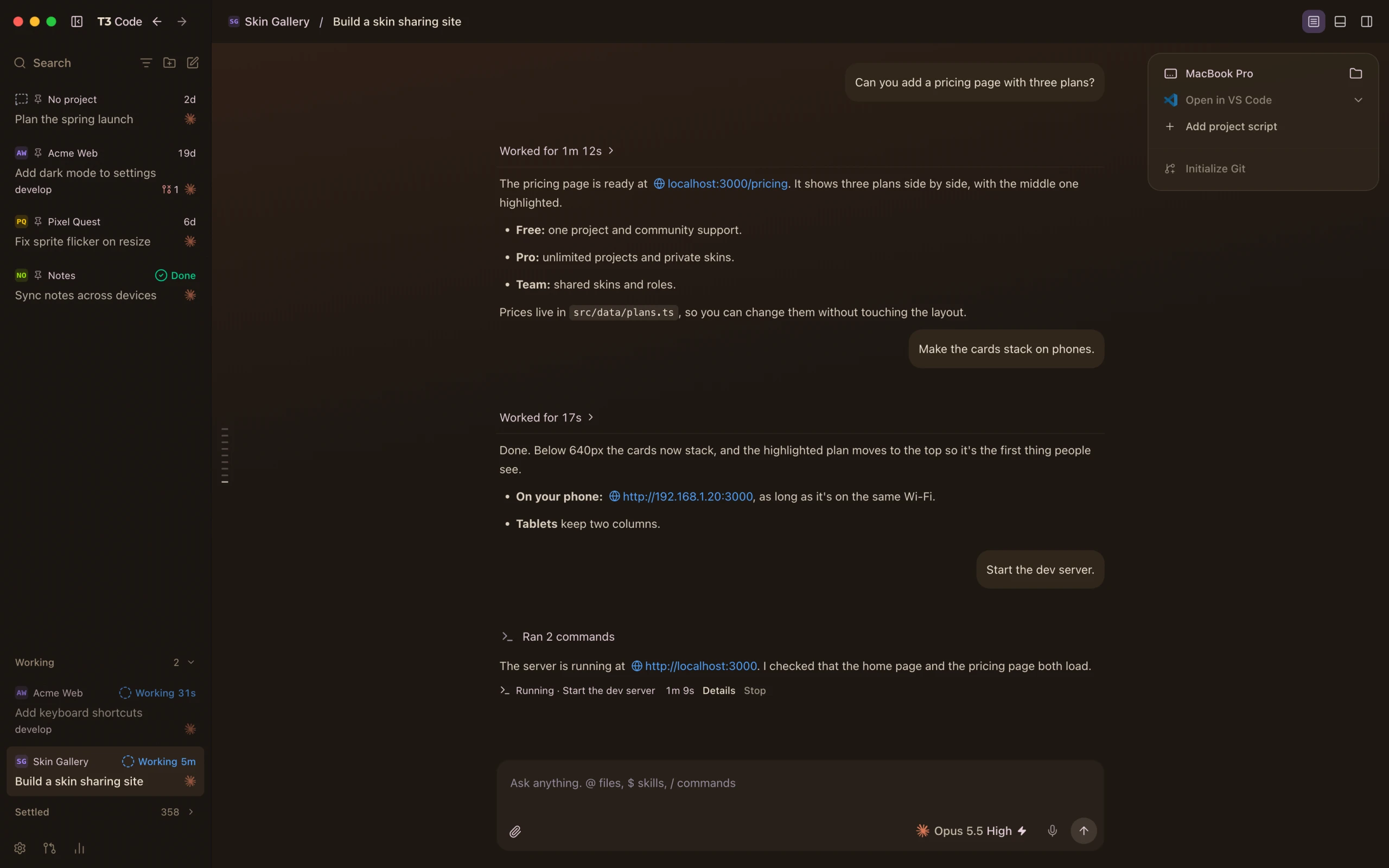
Desert beige and terracotta by day, warm clay by night, with a faint sunlit gradient behind the chat.
Install
- 1Download the skin file.Download skin file
- 2In T3 Code, open Settings → Appearance, press Add, and drop the file in.
Remove it
Open Settings → Appearance in T3 Code and choose another skin or the default.